
The short answer: Most Dacor control faults are one of three things. A frozen or unresponsive panel usually clears with a control-lock check and a one-minute power cycle at the breaker. An oven that runs hot or cold is a drifted temperature sensor or a control board misreading it. A panel that stays dead after a reset, or an oven that will not heat at all, points at the membrane, the board, or the relays and needs a technician. Here is how to read the symptom and decide whether to book service on North Fulton.
Dacor Lines and How the Control Works
Dacor is a Johns Creek favorite for its Modernist and Heritage wall ovens and ranges, many of them installed during a full kitchen renovation alongside built-in refrigeration columns. The control is the brain of the oven: a touch panel or membrane on the front sends your commands to a control board, which switches the bake and broil elements through relays and reads the cavity temperature from a sensor probe. Newer smart Dacor models do show some diagnostic codes, but the wall ovens and ranges we see most in central Atlanta metro report trouble through behavior rather than a numeric fault code. That means the first job on any call is matching the symptom to the right part instead of reading a display.
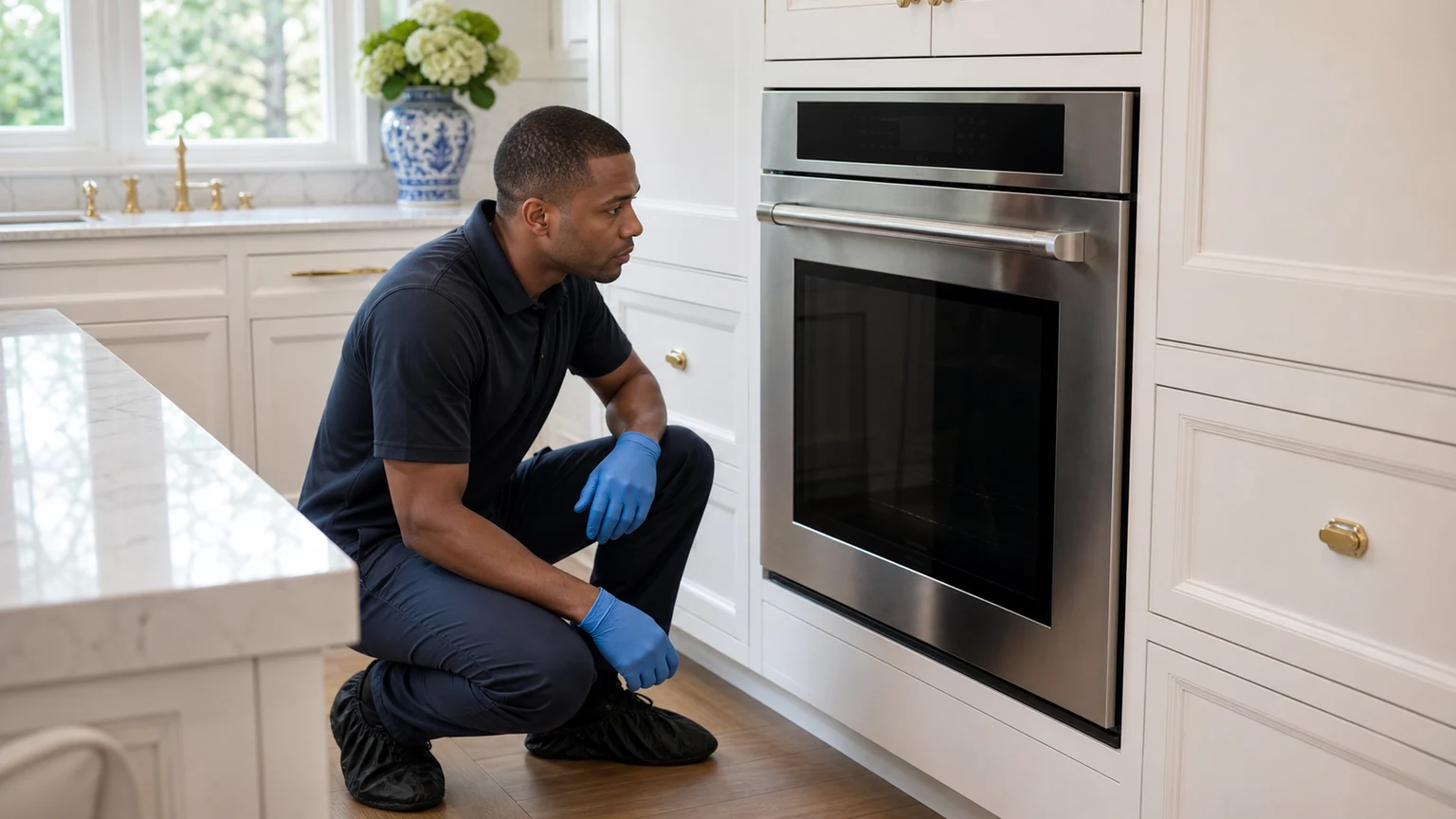
Common Dacor Control Symptoms
Because most Dacor ovens do not show a numbered code, you diagnose from what the oven is doing. The table below maps the symptoms we get called about to the likely cause and a safe first step. Note the exact behavior before you touch anything, because it points a technician straight at the failed part.
| What You Notice | Likely Cause | First Step |
|---|---|---|
| Touch panel dead or ignores presses | Control lock engaged, software hang, or failing membrane | Check the lock icon, then power cycle at the breaker for one minute |
| Buttons work in patches or double-register | Worn membrane or a cracked ribbon connection to the board | None; the membrane needs testing and replacement |
| Oven bakes hot or cold | Drifted temperature sensor or a board misreading it | Confirm with an oven thermometer, then book a sensor check |
| Oven will not heat but display is lit | Failed element, open sensor, or stuck relay on the board | Confirm the breaker is on, then book an element and relay test |
| Display flickers or resets on its own | Loose power connection or a failing control board | Power cycle once; if it repeats, book a board diagnosis |
The two we get asked about most are the unresponsive panel and the off-temperature bake. A panel that wakes fully after a power cycle was a software hang and needs nothing more. One that stays dark, or an oven that misses its set point after a reset, is naming hardware. Use this guide for the wider picture and the brand page when you want the full list of Dacor models we service.
A Dacor wall oven or range runs on a dedicated high-amp circuit, and the control board carries line voltage. If you plan to reset the oven or inspect behind the panel, switch the oven off at its breaker in the panel first, not just at the control. Do not pull a panel or probe wiring on a live oven. If a power cycle does not restore the control, leave the board and membrane to a technician who can test them safely and fit the matched Dacor part.
Sensors, Relays, and the Control Board
When a Dacor oven heats to the wrong temperature, the usual suspect is the temperature sensor, a probe inside the cavity whose electrical resistance the board reads to judge the real heat. As the probe ages its resistance drifts, so the oven overshoots the set point or never reaches it. We measure the sensor against its rated resistance cold, and if it is out of spec we replace it. The other half of the story is the control board. Each element is switched by a relay, and a relay can stick closed, leaving an element on and running the oven hot, or stick open, leaving it cold. We test the relays and the board's output before condemning a part, because swapping the sensor will not fix a stuck relay and swapping the board will not fix a bad sensor. Matching the diagnosis to the true fault is what keeps a Dacor repair from turning into guesswork.
Owner Checks That Clear a Dacor Control Fault
Before you book, there are a few safe steps that resolve the most common Dacor control complaints. First, look for a lock icon on the display; a long press on the lock or clock pad often disables the controls without anyone realizing, and pressing it again restores them. Second, do a full power cycle at the breaker for a full minute, which clears a software hang and any latched fault. Third, if the oven runs hot or cold, confirm it with a standalone oven thermometer before assuming the sensor has failed, since a miscalibrated setting can look like a hardware fault. None of these needs a tool or a part, and they resolve a good share of the calls we take. When the panel stays dead, the buttons register unevenly, or the temperature is still off after these checks, the fault is in hardware and it is time to book.
When to Book
A one-off frozen panel is worth a single power cycle, and the lock check and thermometer confirmation above are reasonable first steps. Book a technician when the panel stays dead or wakes only in patches after a reset, when the oven bakes off temperature after you confirm it with a thermometer, when the oven will not heat while the display is lit, or when the control resets itself repeatedly. The membrane, the temperature sensor, the relays, and the control board all need proper testing rather than guesswork. We fit model-specific Dacor Genuine OEM Parts selected to your model, and every repair we complete in Johns Creek carries our Completed repairs include a 180-day repair warranty. Written terms are provided with the repair. Diagnostic and travel fees, if applicable, are confirmed before the appointment and before repair approval.